
How to Search Cleveland County Court Records
Cleveland County court records are searched on the Oklahoma State Courts Network. The local link is the OSCN Cleveland County docket search. It is free and needs no account. The system is statewide, so set the County or Court field to Cleveland County District Court first. That keeps your results local. You can search by case number, by a party name, or by case type, and you can add date limits.
Gather a few details before you start. A case number gets you straight to the file. A full name works too, though common names return many hits. A birth date range helps trim those.
- Open the OSCN docket search and choose Cleveland County District Court.
- Enter a case number if you have one. A felony reads like CF-2024-1.
- If you have only a name, type the last name and first name.
- Add a District Court Case Type and a date range to narrow the list.
- Open a case to read the docket, then request a certified copy from the clerk if you need one.
The county's Court Clerk records request page tells users to use OSCN and pick Cleveland County to find case details. For docket reading tips, see the Cleveland County court dockets page.
Cleveland County Court Records Search Fields
The OSCN form offers more than a name box. It lets you filter by party role, case type, and dates. The fields below come from the live Cleveland County search page. Use only the fields you need.
| Field Label | Type | Required | Notes / Format |
|---|---|---|---|
| County or Court | Dropdown | Recommended | Select Cleveland County District Court to limit results. |
| Case Number | Text | No | Example CF-2024-1. Press Go. |
| Last / First / Middle Name | Text | No | Search by a named party. |
| Born On or After / Born Before | Date | No | Date of birth filter for common names. |
| Party Type | Dropdown | No | Defendant, Plaintiff, Petitioner, Respondent, Attorney, and more. |
| District Court Case Type | Dropdown | No | Felony, Misdemeanor, Civil, Family, Probate, Traffic, Small Claims. |
| Cases Filed / Closed Date | Date | No | Limit by when a case opened or closed. |
| Citation Number | Text | No | District Court traffic tickets only. Not city citations. |
The party-type menu is long. It runs from defendant and plaintiff to executor, heir, guardian, and arresting officer. Pick a role only when you are sure of it.
Types of Cleveland County Court Records
The District Court Clerk groups cases by type, and each type has its own letter code. Most adult civil and criminal files are open. Family, juvenile, and mental health files can be limited by law. The records request page says the clerk releases divorce, small claims, marriage license, eviction, civil filing, name change, and criminal records.
The main record groups in Cleveland County include the following.
- Criminal felony and misdemeanor cases, with charges, pleas, and dispositions.
- Civil cases over and under $10,000, plus judgments and garnishments.
- Family and domestic cases, such as divorce, paternity, and protective orders.
- Probate cases, including wills, estates, guardianships, and trusts.
- Small claims and eviction filings.
- District Court traffic citations.
For the arrest side of the criminal process, see Cleveland County arrest records. For tickets, see traffic court records.
What a Cleveland County Court Record Shows
An OSCN case page lists the same core fields the clerk keeps. A sample Cleveland County felony docket displayed the case style, the assigned judge, the parties, the counts, the disposition, and the docket entries. Some entries link a PDF or TIFF file. Others say the document is available at the Court Clerk's office, which means you must request it.
| Field | What It Shows |
|---|---|
| Case Number and Type | The ID and category, such as CF for a felony. |
| Filed and Closed Dates | When the case opened and, if done, when it closed. |
| Parties and Attorneys | Names, roles, and bar numbers, with links. |
| Counts | Each charge, the cited statute, and the offense date. |
| Disposition | The outcome of a count, with plea type and date. |
| Docket Entries | Dated filings, orders, minutes, and document links. |
Public dockets leave out Social Security numbers and financial account numbers. Sealed and juvenile details do not appear.
Document access varies by entry. Some docket lines show a document number with a TIFF or PDF link you can open right away. Others read "Document Available at Court Clerk's Office," which means the file exists but is not posted online. For those, you request the document from the clerk. Docket text can also be short and full of codes, so a single line may stand for a long order, a bond term, or a minute note from the judge.
Public Access Framework for Cleveland County Court Records
Oklahoma treats court records as open unless a statute makes them confidential or a judge seals them. The framework is the Oklahoma Open Records Act in Title 51. OSCN dockets carry a notice that the report is provided under 51 O.S. § 24A.1 and should be verified with the official keeper. The county open-records page also cites the Act and notes copy costs under 51 O.S. § 24A.5.
Anyone can search and read public Cleveland County court records. You do not need to show ID or give a reason. Copy fees are separate from the fines or costs a litigant may owe on a case. A request for an existing record is honored, but offices do not have to build a new custom report that does not already exist.
Note: A downloaded PDF from OSCN is a copy, not a certified copy, so order a certified copy from the clerk when a court or agency requires one.
Records That Are Sealed or Confidential in Cleveland County
Some files are closed by law. Juvenile, adoption, and mental health cases carry tight limits. Sealed and expunged criminal records drop out of public view once a judge grants the order under 22 O.S. § 18. Victim addresses in domestic cases may be held back. Search warrant papers can be sealed while a case is active.
To view a sealed file, a person usually needs to be a party, an attorney of record, or someone with a court order. Expungement does not erase a record. It seals public access while letting some agencies keep limited access. For the process, ask the Court Clerk. For legal advice, talk to an attorney or a legal aid resource.
Requesting Copies and Certified Copies
The Court Clerk fills copy requests by mail, by email, or in person. Certified copies cannot be emailed. The office contacts you to confirm the fee before it fills a mailed or emailed request. Requests are completed within 10 business days after payment.
- Find the case on OSCN and note the case number and case type.
- Complete the Court Clerk Request for Records form with parties, document titles, and dates.
- Choose whether you need certified copies and whether you want copies emailed.
- Submit by mail to 200 S. Peters Ave., by email, or in person at the courthouse.
- Pay the confirmed fee by check, money order, or in-person credit card.
| Item | Amount |
|---|---|
| Copy, first page | $1.00 |
| Copy, each added page | $0.50 |
| Certification of each document | $0.50 |
| Authentication certificate | $5.00 |
The clerk does not release transcripts. Under District 21 rules, transcripts are bought from the court reporter, so contact the office of the judge who heard the case. The District Court Clerk page covers the form in full.
In-Person and ADA Court Record Requests
For an in-person request, enter the courthouse complex through the west door at 201 S. Jones Ave. The Court Clerk counter is on the first floor, 1E or east, up half a flight of stairs. Office hours run Monday through Friday. If you need a disability accommodation, the District Court offers an ADA request through Deputy Court Clerk Julie Tipton.
The county posts an ADA accommodation request page for the District Court.
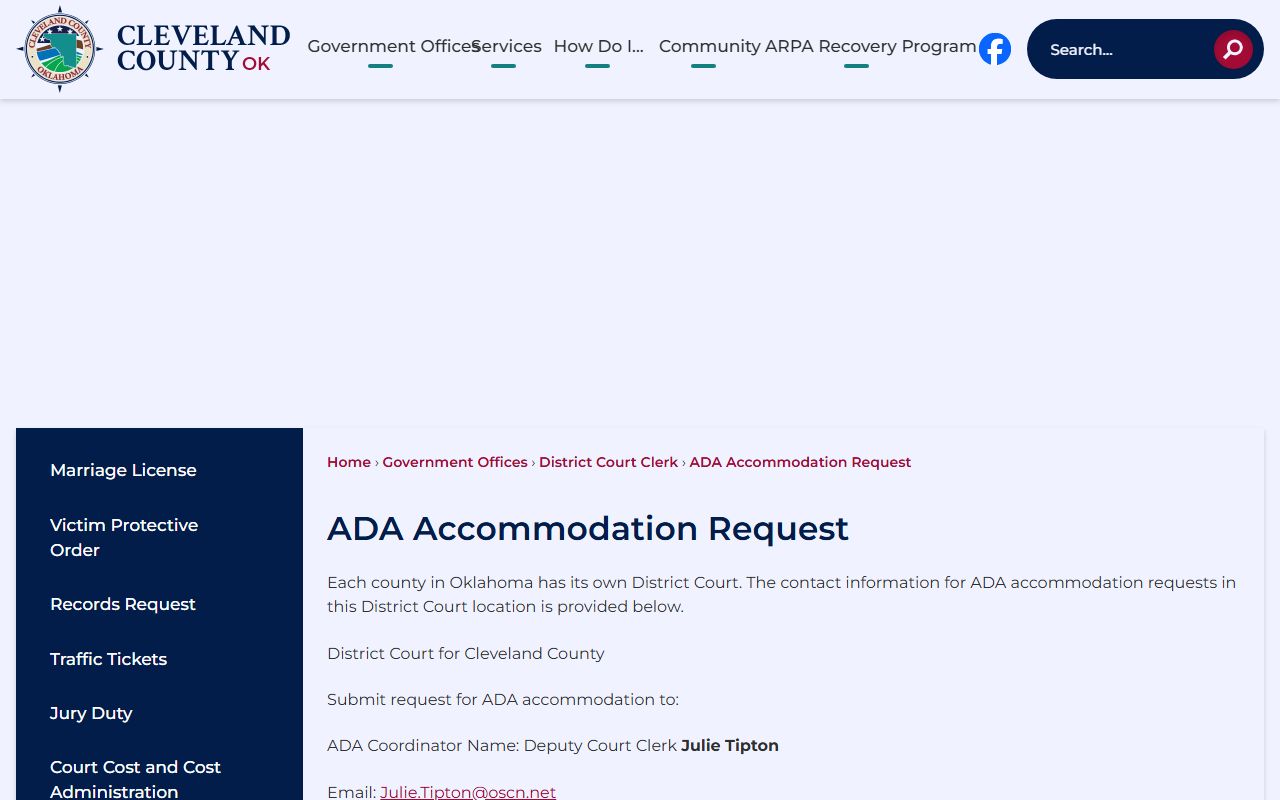
The page names the ADA coordinator and links the request form, so plan ahead if you need help reaching the records counter.
Cleveland County Court Clerk
200 S. Peters Ave.
Norman, OK 73069
405-321-6402
Mon-Fri, 8:00 a.m. to 5:00 p.m.
Reading Cleveland County Case Numbers
Every Cleveland County case carries a number, and the letter prefix tells you the type at a glance. The number also holds the filing year. A case like CF-2024-1 is a criminal felony filed in 2024. Learning the prefixes saves search time, because you can set the District Court Case Type and read results faster.
- CF - Criminal Felony
- CM - Criminal Misdemeanor
- CJ - Civil case
- FD - Family and domestic, including divorce
- PB - Probate
- SC - Small Claims
- PO - Protective Order
- TR - Traffic
Older files may not follow the current pattern. The clerk computerized civil, domestic, and criminal cases in 1989 and probate and confidential cases in 1997. For a case before those dates, give the clerk names, an approximate year, and the case type so staff can search the written docket books.